One self-service app for every department
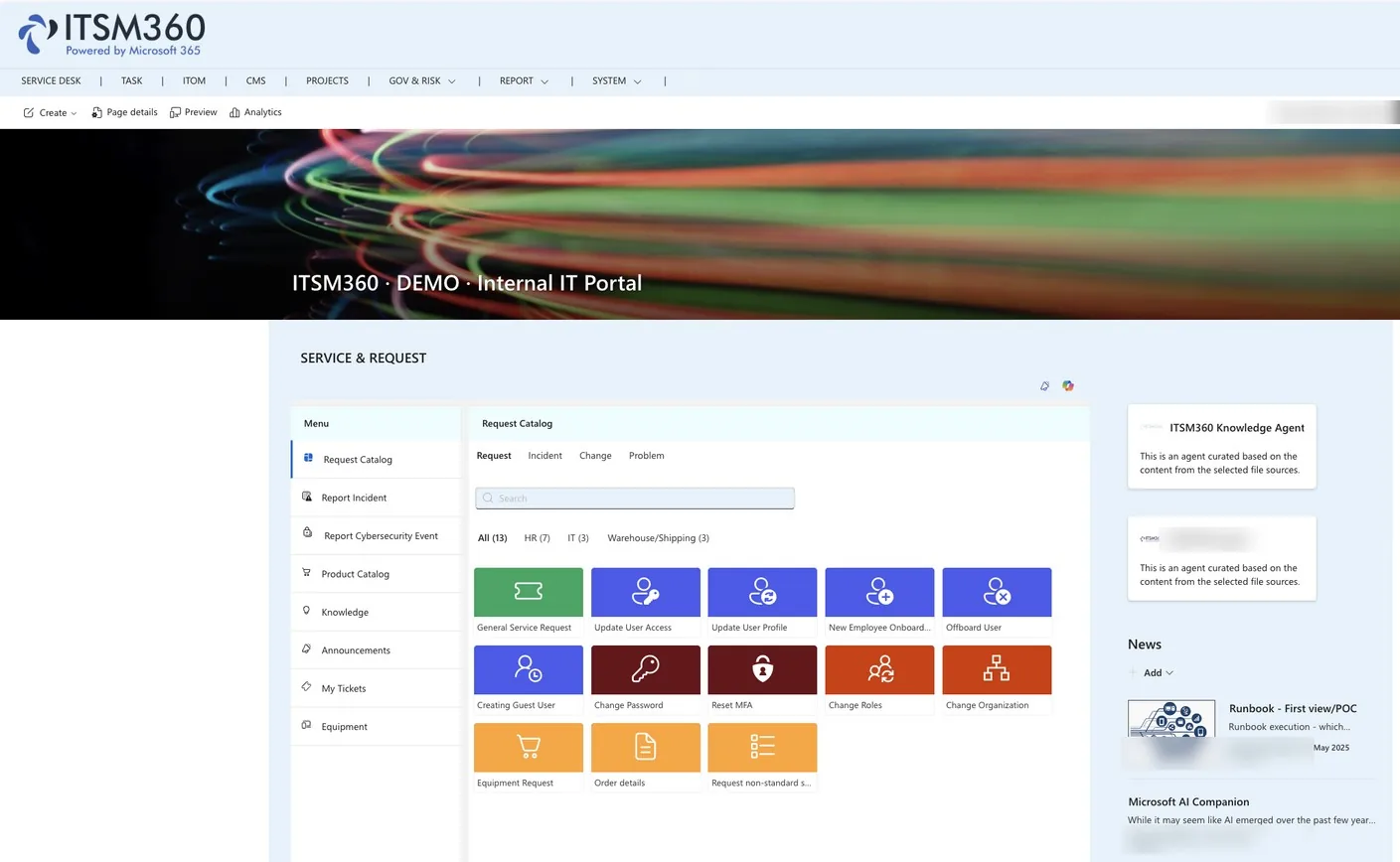
Employees raise and follow requests in Teams, on a SharePoint intranet page or in Outlook. Each department, from IT to HR and Facilities, gets its own catalogue, and a Copilot agent answers before a ticket is needed.
Key capabilities
One app serves the whole organisation. Employees request services, report issues and find answers in the Microsoft tools they already use.
 One catalogue per department
IT, HR, Facilities and other departments each get their own catalogue, forms and settings in the same app, configured without code.
 HappyHelper agent
The Copilot agent searches knowledge, creates incidents, reports asset issues and escalates to the service desk when needed.
 Report incidents and security events
Users report IT incidents and cybersecurity events straight from the app, so nothing has to travel through a side channel to reach the right team.
 Announcements and service status
Publish maintenance announcements and show the operational status of services, so users see a known outage before they report it.
 My tickets and my assets
Users follow their open and closed tickets and the full conversation, and see the assets and software assigned to them, all in one place.
 Satisfaction survey
Users rate the service when a ticket closes, and the scores can be reported in real time in Power BI.
 Entra ID access and VIP separation
Access follows your Entra AD groups and structure, with logical separation for VIP or restricted groups so people only see what they should.
 Where people already work
Run Self-Service as a Teams app, on a SharePoint intranet page, inside Outlook or from the Microsoft 365 app launcher. The interface supports multiple languages.
Self-Service is the front door, connect it to the products that fulfil those requests.


See Self-Service in action
Book a demo and we will show you how self-service works for your end users in Microsoft Teams.
Request a demo